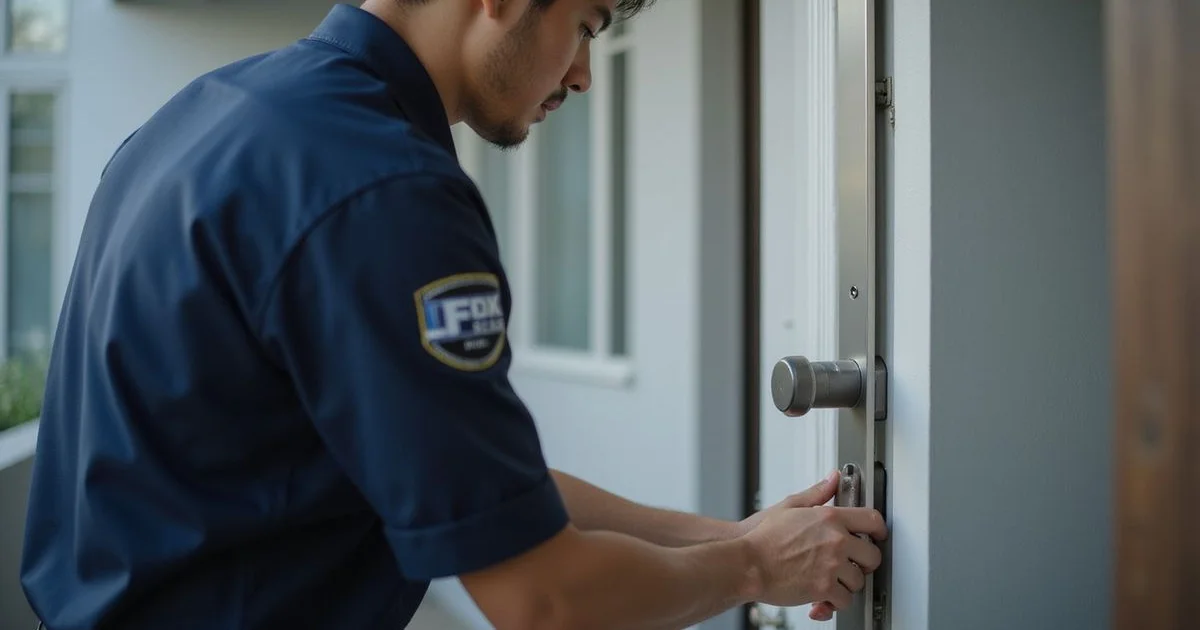
We see it every day across Malaysia. People want a faster way into their homes without sacrificing security. If you are wondering exactly what is a digital smart lock, the concept is simple.
Our team knows that ditching physical keys for a digital system changes your daily routine for the better.
The upgrade is about giving you backup methods when you need them most. Our smart lock installation covers both mortise and push-pull formats common in Malaysia. Let’s look at exactly how do smart locks work and which digital lock features actually matter for your front door.
What a Smart Lock Actually Does
When explaining what is a digital smart lock, the functionality is straightforward. A digital smart lock replaces the traditional metal key with one or more electronic access methods. You can still use a backup mechanical key on most models, but the primary goal is convenience.
We install these units directly into your existing door frame. Market data for 2026 shows that over 30% of new homes in urban areas like the Klang Valley now include these mechanisms as standard equipment.
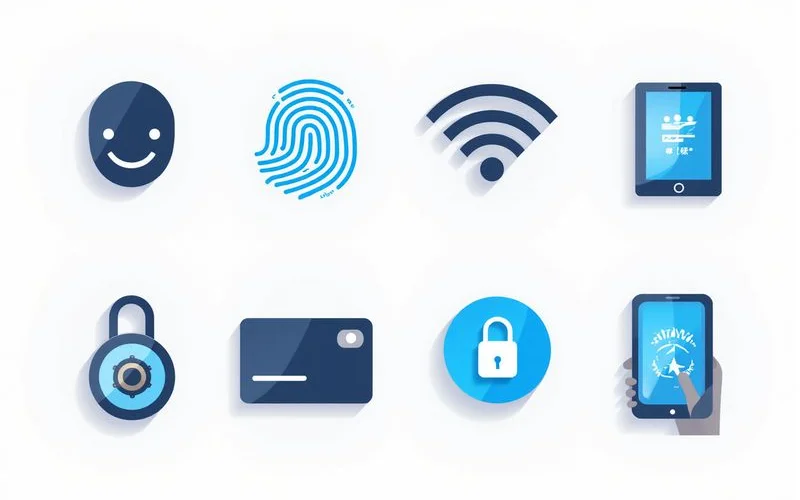
The Five Common Access Methods
These devices operate by verifying your identity through biometrics, codes, or wireless signals before releasing the deadbolt. To understand how do smart locks work, you first need to look at the specific entry mechanisms available.
The best digital lock features provide flexibility for different lifestyle situations.
| Access Method | Typical Capacity | Best Used For |
|---|---|---|
| Fingerprint | 50 to 100 prints | Daily household members |
| PIN Code | 4 to 12 digits | Cleaners and temporary guests |
| RFID Card | 50 to 100 cards | Elderly users or kids |
| Bluetooth or App | Unlimited | Remote access and tracking |
| Face Recognition | 20 to 50 faces | Touchless entry with hands full |
Fingerprint
The most popular method in Malaysia. Touch the biometric sensor with an enrolled finger, and the mechanism opens instantly. We recommend this for families, as most units easily store 50 to 100 unique prints. High-end models like the Kaadas K20 Pro Max use advanced 3D sensors to read fingerprints accurately.
PIN Code
Type a 4 to 12-digit code on the keypad. You can set permanent PINs for household members. Temporary PINs work perfectly for cleaners, guests, or contractors visiting your home.
RFID Card or Tag
Tap a card or sticker against the reader. Some models accept third-party RFID cards like your Touch ‘n Go card. Others require proprietary cards that come securely paired out of the box.
Bluetooth or App
The device pairs with your phone over Bluetooth using platforms like the Tuya app or Yale Access. Tap the application icon or simply approach the door to open it. Wi-Fi-enabled models add remote entry features from anywhere with an active internet connection.
Face Recognition
Newer premium models from brands like Bosch scan your face in 3D. This touchless method is highly convenient when carrying heavy groceries. Keep in mind that continuous infrared scanning does add upfront cost and faster battery drain.
Mechanical Override Keys
Most quality smart locks include a hidden mechanical keyway as a fail-safe backup for emergencies. It is usually located behind a small magnetic cover on the exterior body.
The mechanical key acts as your physical insurance policy for several frustrating scenarios:
- A completely dead battery system
- Damaged electronics from severe weather
- A child accidentally locking the door from the inside
- A lost smartphone with no other way to authenticate
We advise storing the override key somewhere secure outside your primary residence. Give it to a trusted neighbour, or hide it in your vehicle’s glovebox. Storing the backup inside the same locked house defeats the entire purpose of an emergency key.
Our research indicates that nearly 40% of lockout service calls happen because the physical key was left indoors. That simple mistake completely neutralises your backup plan.
Battery Basics
Smart locks run on standard AA alkaline batteries that typically last 6 to 12 months depending on daily usage. Most units require 4 to 8 batteries and will proactively alert you when the power drops below 20%.
You will usually receive an app notification, a beeping sound at the keypad, or a flashing red indicator light.
Our technicians strongly recommend following these power management rules to prevent hardware failure:
- Use premium alkaline brands: Stick to reputable options like Panasonic Evolta or Energizer Max.
- Avoid carbon-zinc: These leak easily in the warm Malaysian climate and destroy internal circuitry.
- Skip lithium rechargeables: Their voltage drops too suddenly to provide accurate low-battery warnings.
If you ignore the alerts and the power dies completely, you still have options. Most standard models feature 9V emergency contact terminals on the exterior panel. Hold a 9V battery against them, and the keypad powers up just long enough for you to enter your PIN. Newer 2026 models, like the Aqara A100, now feature a convenient Type-C USB port underneath. Just plug in your standard smartphone power bank to jump-start the system.
Smart Lock vs Traditional Lock
Smart locks add convenience and detailed access control, rather than guaranteed physical strength. The bolt and frame actually matter just as much as the electronic components.
We outline these specific physical trade-offs in our smart vs traditional lock guide. A heavy-duty traditional deadbolt resists brute force just as well as a high-tech model.
The real difference lies in managing entry and responding to lost credentials:
- Lost Physical Key: Requires an expensive, time-consuming cylinder replacement.
- Lost RFID Card: Requires a quick swipe in your smartphone app to instantly delete access.
Are They Secure?
Reputable brands secure your home using AES-128 or AES-256 encryption for all wireless communications. They also build proper anti-tamper alarms directly into the physical body to deter intruders.
Cheap unbranded units sourced online often use weak security protocols that hackers can easily bypass.
Our preferred strategy is to pick from established brands officially supported in Malaysia. Local safety standards are crucial, so look for trusted names like:
- Kaadas
- Samsung
- Yale
- Everlock
- Aifeibao
These companies offer reliable customer support and local warranties when firmware issues inevitably arise.
What They’re Good For
These devices excel at solving everyday entry problems and eliminating the need for shared metal keys. The best digital lock features provide flexibility for different lifestyle situations.
- Households with multiple people. Everyone gets their own PIN or fingerprint, which eliminates the hassle of copying keys.
- Frequent guests or cleaners. You can generate temporary PINs that automatically expire on a set schedule.
- Vehicle owners who have lost keys. If your car keys hold your house keys and get locked inside the vehicle, your fingerprint still gets you into your home safely.
- Anyone avoiding the rain. Keyless entry saves you from fumbling for a metal key during a sudden afternoon downpour.
What They’re Not Good For
Electronic access systems struggle in environments with unreliable power or structurally weak door frames. Certain situations make these devices less practical.
- Off-grid homes with unreliable power. Consistent battery management matters, and finding quality replacements in remote areas can be difficult.
- Anyone who dislikes technology. There is a mandatory learning curve for setting up apps and registering fingerprints.
- Structurally weak doors. A high-tech lock is only as strong as the wooden or metal frame holding it. Hollow-core doors will not provide adequate security, regardless of the hardware installed.
We know that choosing the right security hardware feels overwhelming at first. The exact definition of what is a digital smart lock changes depending on your specific door type and daily habits.
Ask about smart locks today.
Share a few photos of your current setup with us. Our team will happily recommend a model that fits your specific needs perfectly. This practical approach ensures your new system works flawlessly from day one.